Blog

  • Sync Your CRM and No-Code AI Chatbot for Better Support

    Sync Your CRM and No-Code AI Chatbot for Better Support

    As businesses scale, maintaining a personal touch in customer service becomes a challenge. In this fifth installment of our automation series, we move beyond basic setup to explore how to truly maximize your support efficiency. The secret lies in integrating your no-code AI chatbot directly into your existing Customer Relationship Management (CRM) system, turning a simple conversational tool into a powerful, context-aware support agent.

    Breaking Data Silos with Seamless Integrations

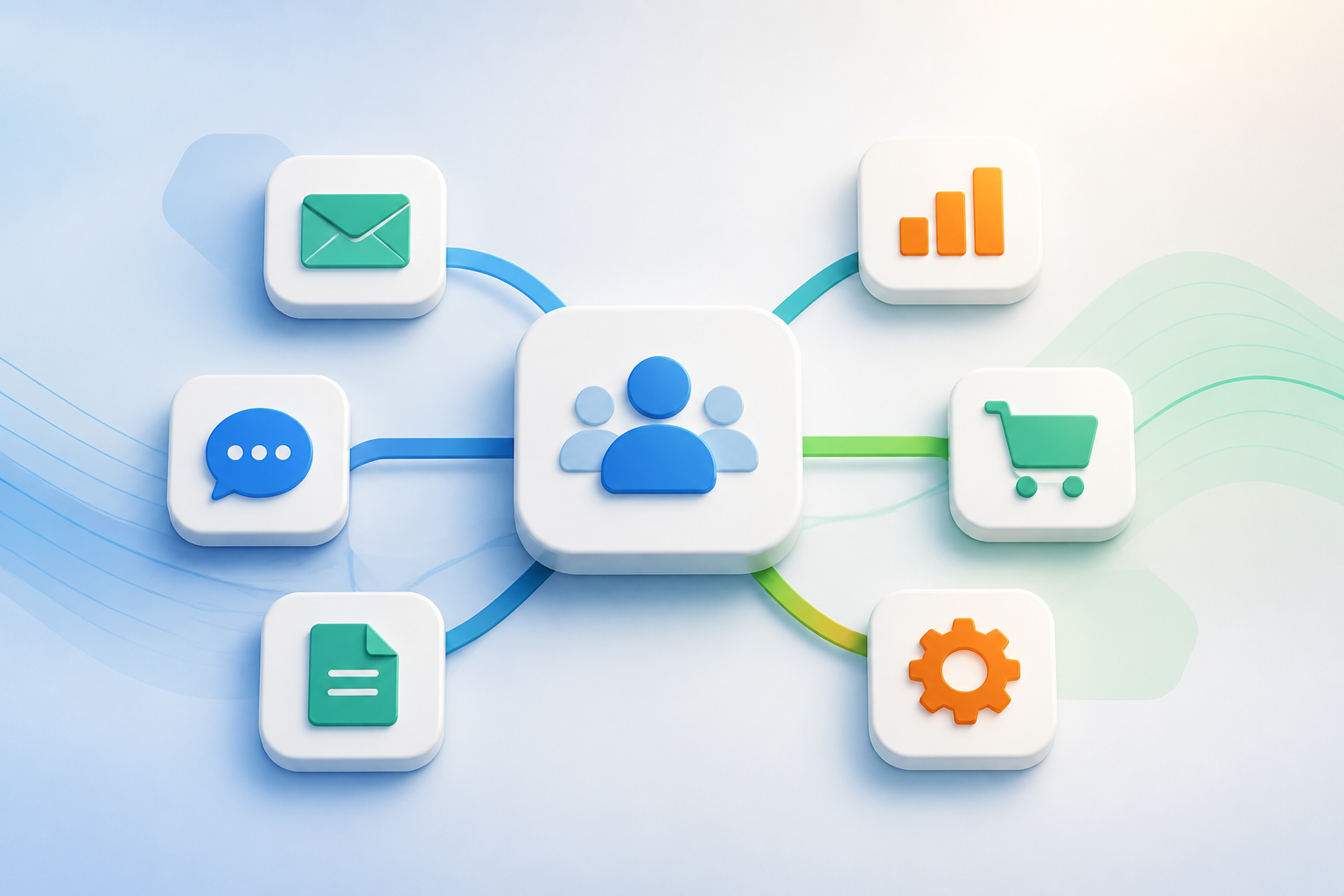
    A standalone bot can answer FAQs, but a connected no-code AI chatbot can access a customer’s entire purchase history, open tickets, and preferences. By linking your chatbot to platforms like Salesforce, HubSpot, or Zendesk, the AI can deliver hyper-personalized responses. Instead of asking repetitive questions, the bot greets customers by name and resolves specific issues based on their real-time account status.

    Automating Workflows and Smart Ticket Routing

    Integrating your bot with your CRM does more than just improve conversations; it automates back-office workflows. When a customer presents a complex issue, the no-code AI chatbot can automatically generate a detailed support ticket, categorize it, and route it to the appropriate human department. This ensures that your human agents receive all the necessary context upfront, drastically reducing average handling times.

    Continuous Optimization Through CRM Data

    Every interaction with your chatbot is a source of valuable data. When integrated with your CRM, you can easily track which queries are resolved automatically and which ones require escalation. This analytical loop allows support teams to continuously refine the chatbot’s knowledge base, updating its training data without writing a single line of code to match shifting customer trends.

    Conclusion

    Deploying a no-code AI chatbot is a massive step forward, but connecting it to your CRM is what truly unlocks enterprise-grade support automation. By breaking down data silos and automating post-chat workflows, you create a seamless experience for both your customers and your support team.

  • Optimize Your Automated Workflow Templates for Scale

    Optimize Your Automated Workflow Templates for Scale

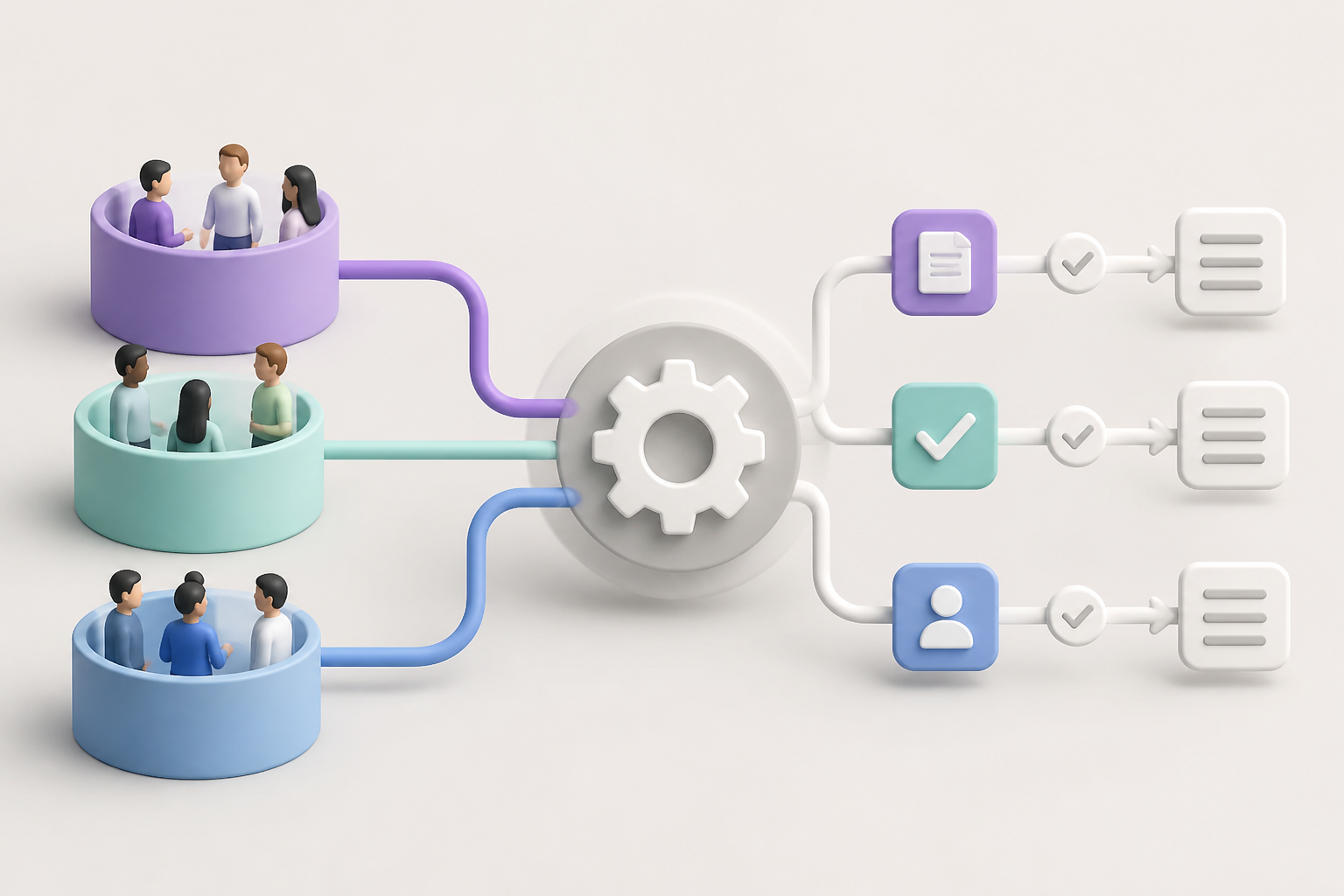
    As organizations grow, their processes inevitably become more complex. While implementing automated workflow templates is an excellent way to streamline initial operations, many teams fall into the trap of “set-it-and-forget-it.” Over time, unmonitored automations can lead to template decay—where outdated triggers and redundant steps actually slow down your team instead of speeding them up.

    The Hidden Cost of Template Overload

    When you first deploy automated workflow templates, they solve immediate bottlenecks. However, as your team structure changes and new software tools are adopted, these templates can become bloated. Redundant notifications, broken API integrations, and obsolete task assignments create digital noise, leading to what operations experts call “automation debt” that frustrates employees.

    How to Audit and Refine Your Templates

    To maintain peak efficiency, schedule a quarterly audit of your active templates. Start by mapping out the actual utility of each automated step and asking your team if the generated tasks are still relevant. Consolidating overlapping workflows and removing dead-end triggers will instantly clean up your task management system and restore clarity.

    Additionally, ensure your templates are flexible enough to accommodate cross-departmental shifts. The best automated workflow templates are modular, allowing you to swap out specific task blocks or integration nodes without rebuilding the entire sequence from scratch. This modular approach keeps your business agile and ready to scale.

    Achieving Long-Term Operational Efficiency

    Ultimately, automation is not a one-time project but a continuous cycle of refinement. By actively auditing your automated task management systems, you prevent operational drag and ensure your technology supports your people. Start simplifying your templates today to build a leaner, more responsive digital workspace.

  • Hello world!

    Welcome to WordPress. This is your first post. Edit or delete it, then start writing!

  • No-Code CRM Integration for SMBs: Getting Started

    No-Code CRM Integration for SMBs: Getting Started

    For small and medium-sized businesses (SMBs), managing customer relationships is crucial for survival, yet many struggle with complex software setups. Traditional Customer Relationship Management (CRM) systems often require expensive developers to connect with your website, email marketing, or billing tools. This is where a no-code CRM integration steps in, revolutionizing how smaller teams manage their operations without touching a single line of code.

    The Developer Bottleneck in SMB Sales

    In the past, building a seamless sales pipeline meant hiring specialized software engineers. SMBs had to choose between paying hefty development fees or relying on manual data entry, which inevitably leads to human error and lost leads. By removing the technical barrier, no-code solutions empower sales and marketing teams to take control of their own tech stacks.

    How No-Code CRM Integration Changes the Game

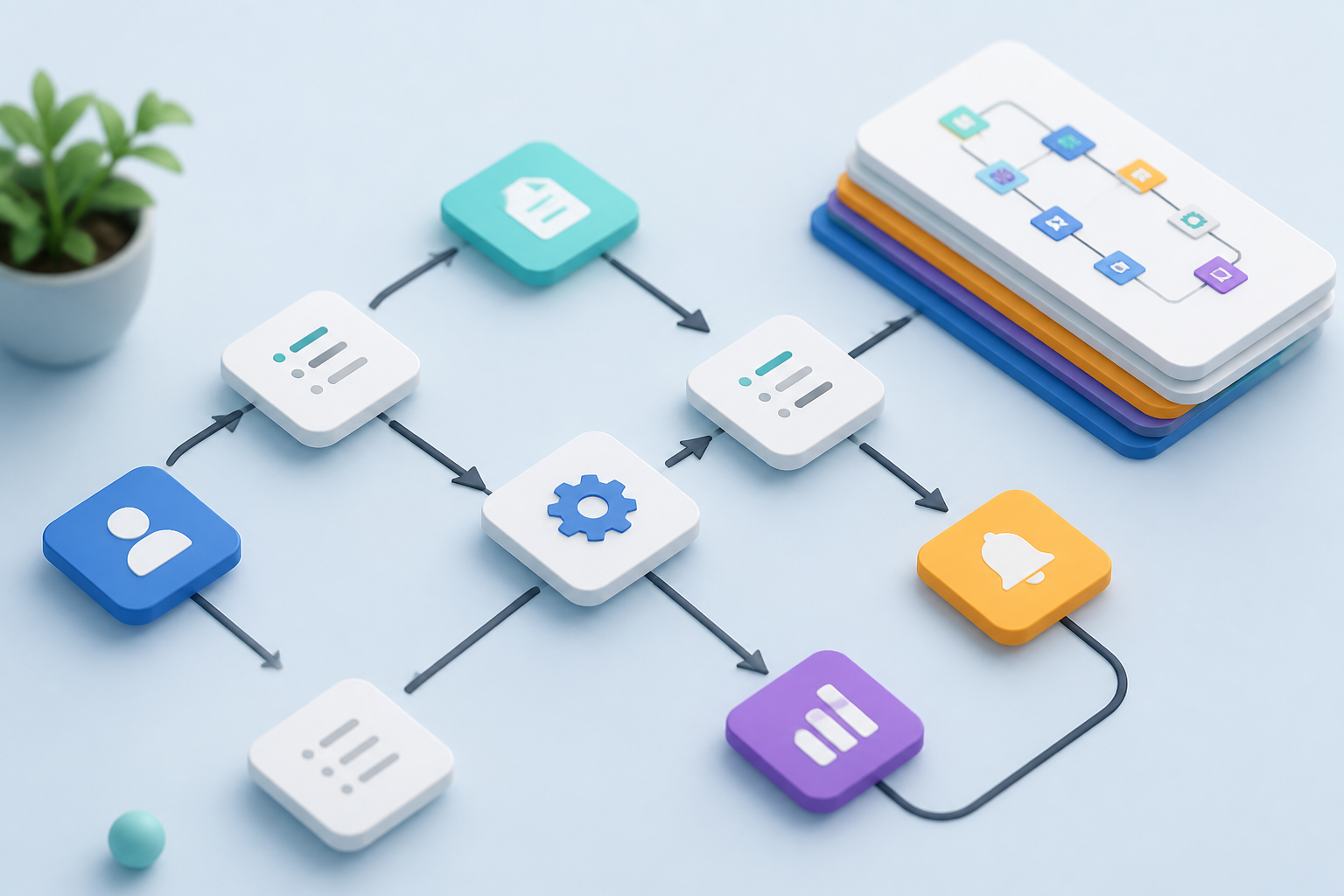
    A modern no-code CRM integration utilizes visual, drag-and-drop platforms like Zapier, Make, or native CRM triggers to connect disparate applications. When a prospect fills out a form on your website, their details are automatically pushed to your CRM, a deal is created, and your sales team receives an instant notification. This automation ensures no lead falls through the cracks.

    Streamlining Your First Automated Pipeline

    Getting started with automation does not have to be overwhelming. SMBs should begin by mapping out their current manual tasks, such as copying email addresses from contact forms to spreadsheets. Replacing just this one step with an automated workflow saves hours of administrative work and allows your sales reps to focus on what they do best: closing deals.

    Conclusion

    Embracing a no-code CRM integration is no longer a luxury reserved for enterprises; it is a necessity for SMBs looking to scale efficiently. By automating your sales pipeline today, you lay a solid foundation for sustainable growth, faster lead response times, and a highly productive sales team.