Author: David Chen

  • Automated Workflow Templates for Scaling Remote Teams

    Automated Workflow Templates for Scaling Remote Teams

    As remote organizations expand, maintaining operational alignment becomes increasingly complex. What worked for a team of five often crumbles when scaled to fifty. Manual handoffs, missed chat notifications, and forgotten spreadsheets quickly derail projects. To sustain growth without sacrificing quality, scaling businesses must transition from ad-hoc task delegation to structured, system-driven operations. This is where leveraging automated workflow templates becomes a game-changer for distributed teams.

    Eliminating the Communication Overhead in Remote Teams

    In a physical office, organic updates happen naturally. In a remote environment, these gaps must be bridged digitally. By utilizing automated workflow templates, managers can define clear paths for recurring projects, such as client onboarding or content production. When one task is completed, the system automatically assigns and notifies the next owner. This eliminates the endless “Is this ready?” check-ins, allowing team members to focus on deep work rather than administrative coordination.

    Building Consistency Across Cross-Functional Projects

    Growth often introduces silos between departments. When marketing, sales, and product teams work independently, critical handoffs get lost in translation. Standardized task management templates ensure that everyone follows the exact same blueprint, regardless of their department. These templates can be pre-configured with dependencies, due dates relative to project launch, and required fields, ensuring that no critical step is skipped during execution.

    Unlocking Data-Driven Process Optimization

    Scaling successfully requires continuous iteration. When workflows are automated and standardized, they generate valuable operational data. Team leaders can easily identify where tasks stall, which steps take the longest, and where resources are overallocated. Instead of guessing why a project is delayed, managers can analyze the workflow history, refine the template, and instantly deploy the updated process across the entire organization.

    Conclusion: Future-Proofing Your Scaling Operations

    Scaling a remote team does not have to mean doubling your management overhead. By implementing robust automated workflow templates, you create a self-sustaining operational framework that grows with your business. Embracing these automated systems today ensures your distributed workforce remains agile, accountable, and aligned, no matter how large your organization becomes.
  • Aligning Siloed Teams with Automated Workflow Templates

    Aligning Siloed Teams with Automated Workflow Templates

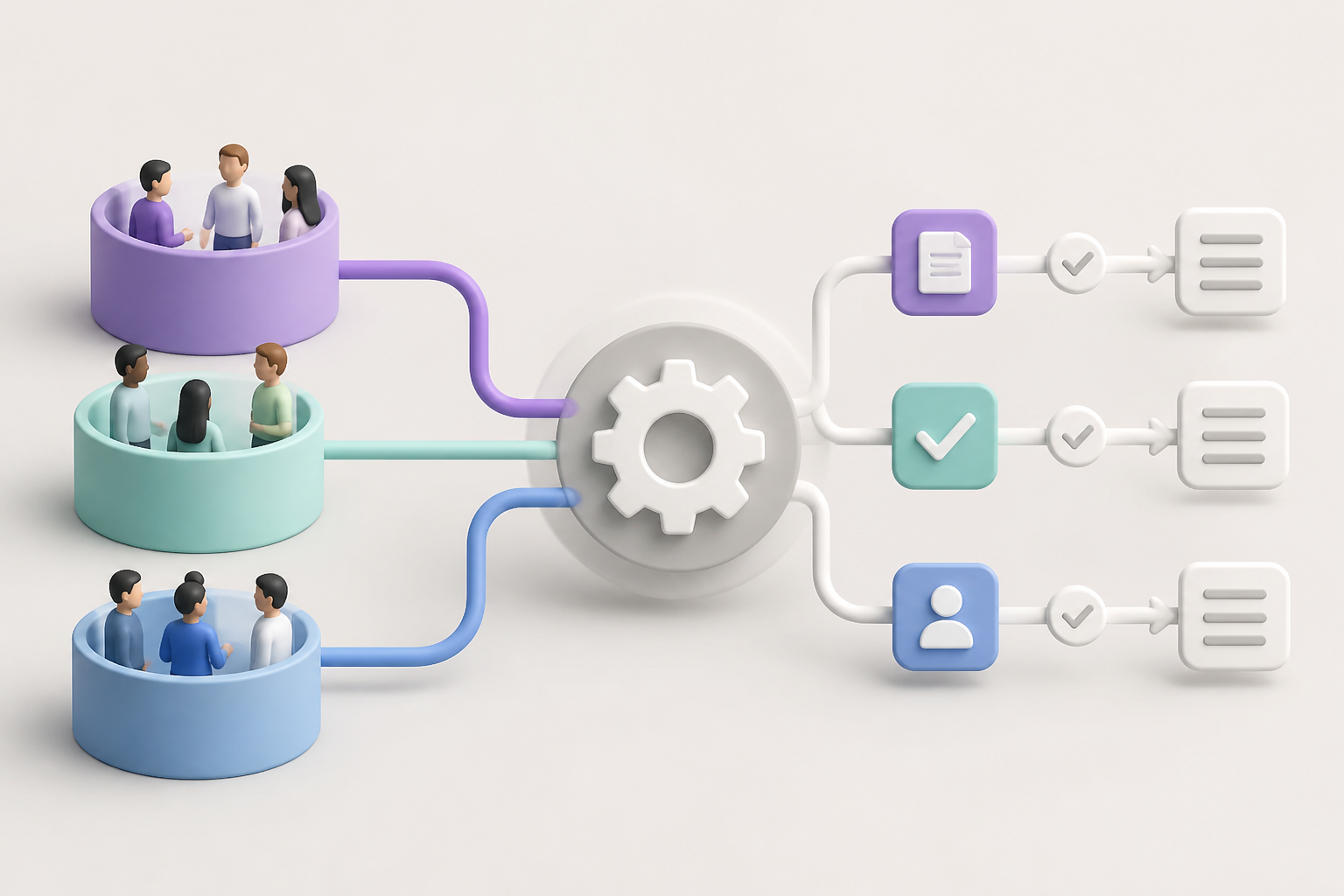
    Modern businesses often struggle with departmental silos, where critical information gets trapped between teams, leading to delayed projects and miscommunication. While individual task management helps, true organizational efficiency lies in how well different departments hand off work to one another. Implementing automated workflow templates designed specifically for cross-functional collaboration is the key to breaking down these operational barriers and keeping projects moving seamlessly.

    Bridging the Gap Between Marketing and Sales

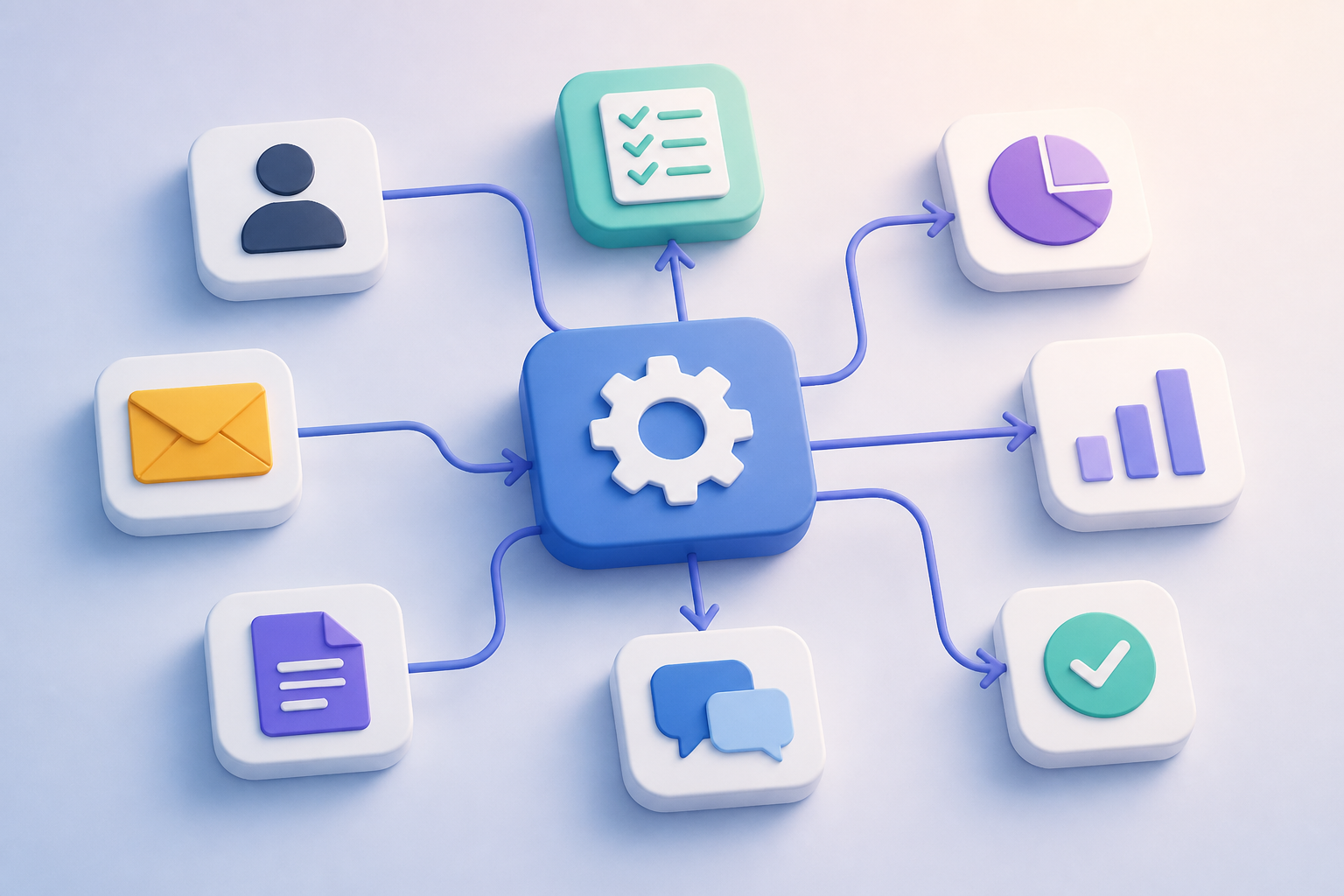
    The transition of a prospect from a marketing lead to a sales opportunity is a notorious friction point. By utilizing collaborative automated workflow templates, organizations can ensure that no lead falls through the cracks. When a lead meets specific criteria, the template immediately assigns a follow-up task to the sales team, uploads the relevant lead data to the CRM, and sends a notification via chat apps, completely eliminating manual data entry.

    Streamlining Creative Approvals and Operations

    Another common bottleneck occurs between creative teams and operations or compliance. When a designer finishes an asset, getting feedback shouldn’t require endless email threads. An automated task management workflow can instantly route completed files to the compliance officer for review. Once approved, the system automatically archives the asset and alerts the social media manager that it is ready for publishing, maintaining a strict but effortless audit trail.

    Building Your Collaborative Framework

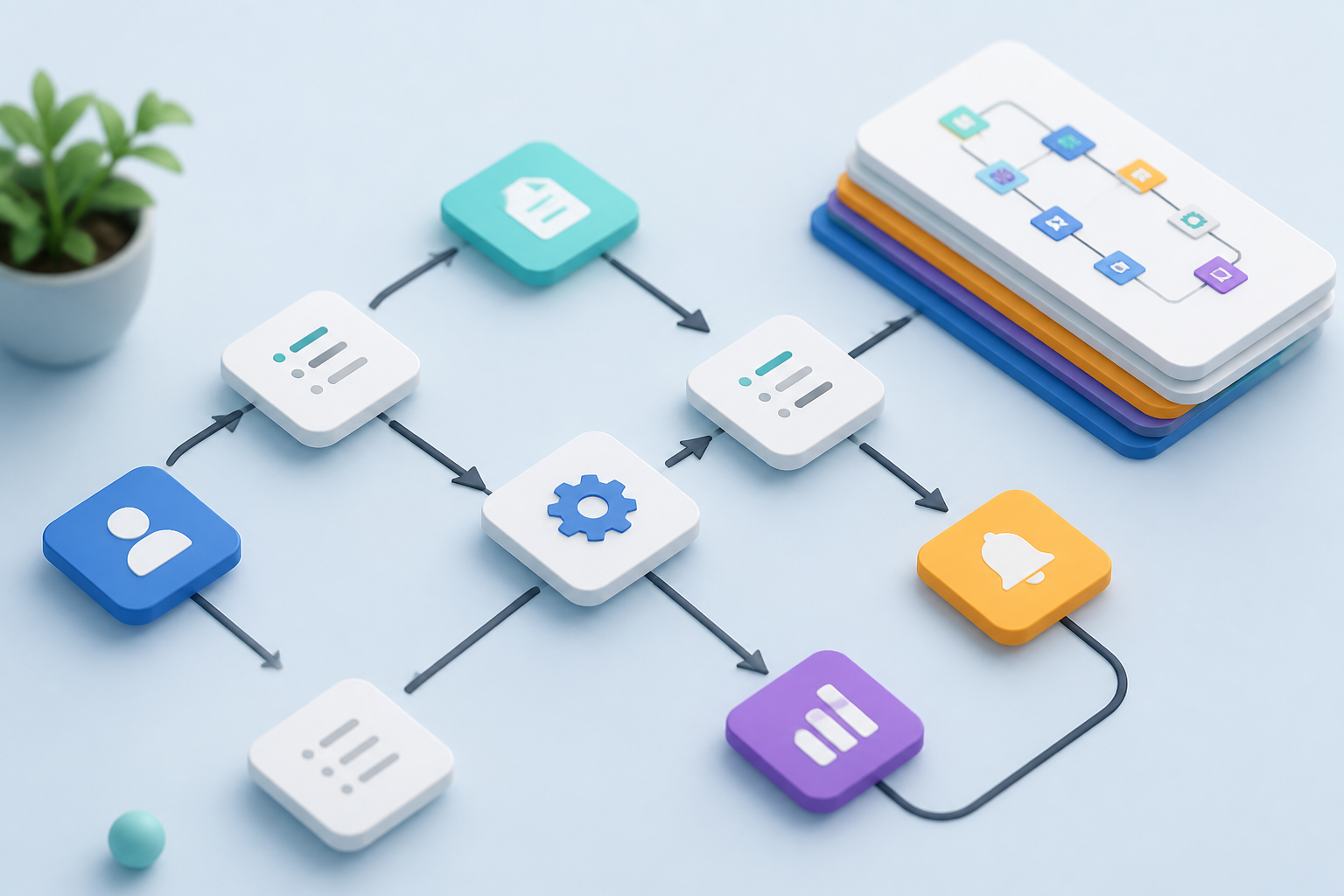
    To successfully implement these blueprints, start by mapping out the exact touchpoints where departments intersect. Define clear triggers—such as a status change or a form submission—that will launch the next phase of the project. Using pre-built automated workflow templates allows your team to skip the complex setup and deploy reliable, repeatable processes that everyone can understand and follow from day one.

    Ultimately, cross-departmental automation is not just about saving time; it is about building a cohesive work culture. By replacing manual hand-offs with predictable, automated systems, you reduce friction, eliminate human error, and allow your teams to focus on high-value creative work rather than administrative overhead.

  • Scaling Operations with Automated Workflow Templates

    Scaling Operations with Automated Workflow Templates

    As organizations grow, scaling operations without losing efficiency becomes a critical challenge. Standardizing processes across expanding teams often leads to operational bottlenecks and communication gaps. This is where implementing automated workflow templates becomes essential. By utilizing structured blueprints, growing companies can maintain consistency, reduce manual errors, and ensure that every team member knows exactly what to do next.

    Breaking Down Cross-Departmental Silos

    One of the greatest hurdles in scaling is the handoff between different departments, such as Sales moving a new client over to Customer Success. Automated workflow templates bridge these gaps by automatically assigning tasks, triggering notifications, and shifting data across platforms. This seamless integration ensures that no critical information is lost in transition, fostering better cross-functional collaboration.

    Customizing and Optimizing for Growth

    Scaling does not mean rigid adherence to outdated processes. Modern automated task management systems allow teams to customize pre-built templates to fit evolving operational needs. As your business model shifts, these templates can be easily updated to include new steps, integrate additional software tools, or reassign roles, ensuring your workflow remains agile.

    Furthermore, these templates provide valuable operational insights. By tracking how long tasks take within a standardized workflow, managers can easily identify bottlenecks and optimize resource allocation. This data-driven approach transforms static templates into dynamic instruments of continuous business improvement.

    Conclusion: Build a Scalable Foundation

    Ultimately, scaling your business successfully requires building a repeatable, predictable operational foundation. By embracing automated workflow templates, you empower your growing teams to collaborate effortlessly, adapt to changes swiftly, and focus on strategic initiatives rather than administrative overhead.

  • Scale Operations with Automated Workflow Templates

    Scale Operations with Automated Workflow Templates

    As businesses grow, operational friction often grows with them. What worked for a team of five quickly becomes a bottleneck for a team of fifty, especially when handling handoffs between different departments. To maintain momentum and avoid communication gaps, growing organizations must transition from manual tracking to automated systems. Implementing automated workflow templates is the most efficient way to standardize these transitions and scale your operations seamlessly.

    Bridging the Gap Between Departments

    One of the biggest challenges in scaling a business is ensuring smooth cross-functional collaboration. When sales closes a deal, customer success needs to know instantly. Instead of relying on manual emails or Slack messages, automated workflow templates trigger standard operating procedures automatically. This ensures that the moment a specific action occurs in one department, the next sequential tasks are generated and assigned in another, leaving no room for delays.

    Eliminating Costly Human Errors

    Human error is a natural byproduct of rapid growth. When employees are rushed, steps get skipped, and details are forgotten. By leveraging pre-built automated workflow templates, you build a safety net directly into your daily operations. These templates automatically assign tasks, set realistic deadlines based on trigger dates, and send reminders to stakeholders, ensuring consistent quality across all deliverables.

    Choosing and Customizing Your Templates

    To get the most out of your automation efforts, look for templates that offer flexibility and integrate deeply with your current software ecosystem. The best templates are not rigid; they should serve as a strong baseline that you can easily customize to fit your team’s specific nuances. Start with high-impact areas, such as client onboarding or content creation pipelines, and refine them as your processes evolve.

    Conclusion

    Scaling your business does not require working longer hours or doubling your headcount overnight. By integrating automated workflow templates into your task management strategy, you create a reliable framework that runs in the background. This allows your team to stop managing administrative chaos and focus on what truly matters: delivering value and driving growth.

  • Connect Teams Using Automated Workflow Templates

    Connect Teams Using Automated Workflow Templates

    As remote and hybrid teams expand, the friction between different departments often grows too. When projects move from marketing to sales, or design to development, manual handovers lead to dropped balls and miscommunication. Implementing automated workflow templates designed specifically for cross-departmental collaboration is the ultimate solution to break down these organizational silos.

    Eliminating the Friction in Team Handovers

    Traditional task management often relies on someone remembering to send an email or tag a colleague. With automated workflow templates, these transition points are pre-configured. When a marketing lead status changes to ‘qualified’, the template automatically generates a follow-up task for the sales representative, complete with all necessary client history. This ensures no data is lost and momentum is maintained.

    How to Map Cross-Departmental Workflows

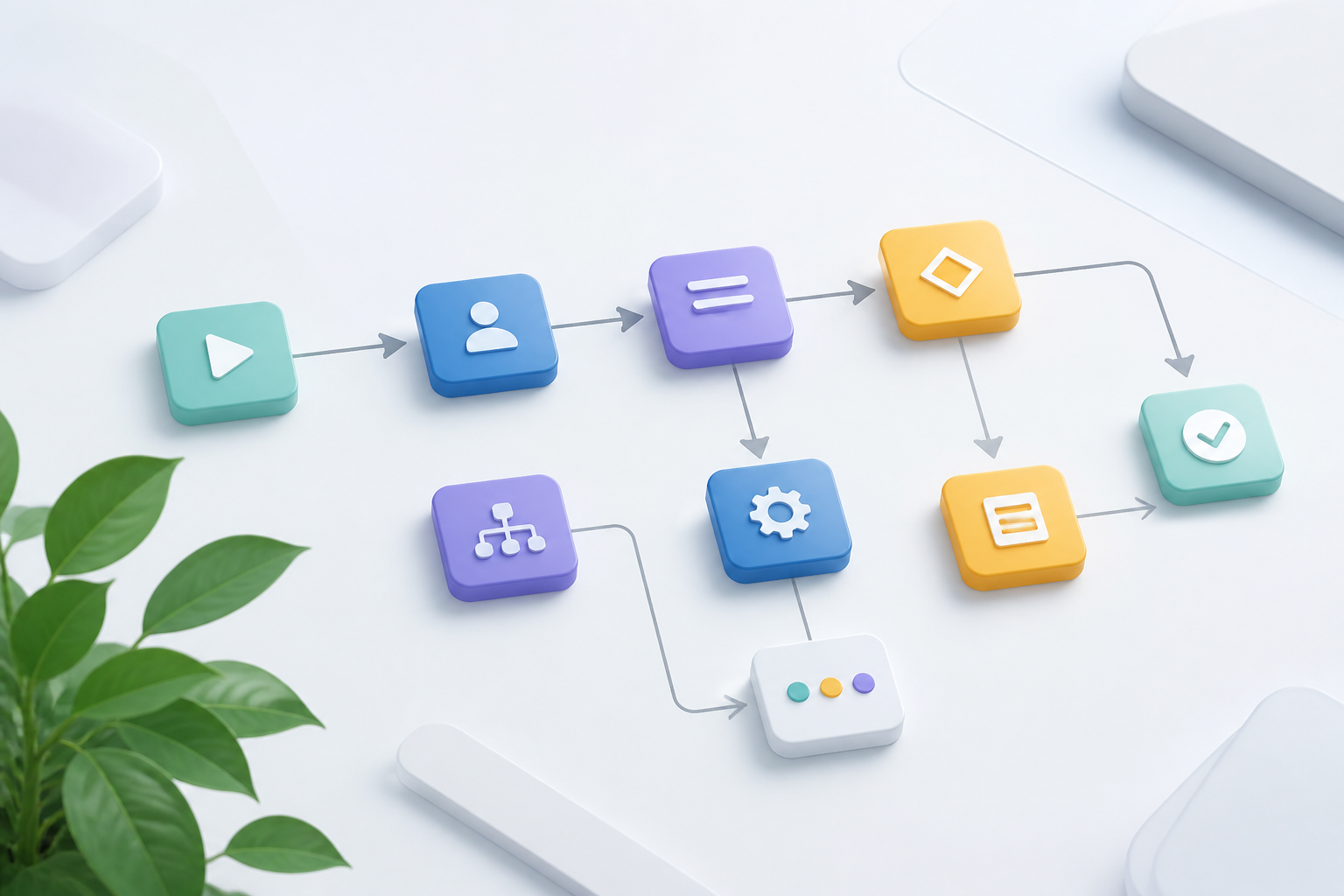
    To build an effective collaborative template, you must first map the exact touchpoints where departments interact. Identify the triggers—such as a signed contract or a completed design draft—and the subsequent actions required by the receiving team. Modern task management software allows you to save these sequences as automated workflow templates, which can be deployed instantly whenever a new cross-functional project kicks off.

    Furthermore, these templates should include standardized communication channels. Instead of scattered chat messages, automated updates can be pushed to specific Slack channels or project boards. This keeps everyone informed without requiring manual status reports, freeing up valuable time for creative and strategic work.

    Scaling Seamlessly with Automation

    Eliminating operational silos does not require constant meetings or micromanagement. By utilizing structured automated workflow templates, you establish a reliable, self-sustaining system where tasks flow effortlessly from one department to the next. Start optimizing your team handovers today to unlock higher productivity and foster a truly collaborative company culture.

  • Scale Collaboration with Automated Workflow Templates

    Scale Collaboration with Automated Workflow Templates

    As organizations grow, the friction between departments often intensifies. Marketing, sales, and product teams frequently operate in isolated silos, leading to miscommunication and delayed projects. To bridge these operational gaps, modern companies are turning to structured task management. By leveraging automated workflow templates, teams can establish a unified language and seamless handoffs without manual intervention.

    Breaking Down Interdepartmental Silos

    When different departments collaborate, projects often stall during handoffs. For instance, when marketing passes qualified leads to sales, manual notifications can easily be missed. Utilizing automated workflow templates ensures that once a task is completed in one department, the next sequential task is automatically generated and assigned to the right person in another department, maintaining momentum.

    Reducing Administrative Overhead

    Manual task assignment and follow-ups consume valuable hours that should be spent on strategic work. Implementing pre-configured templates with built-in automation rules eliminates this cognitive load. Teams no longer need to wonder what the next step is or who is responsible; the automated system handles the routing, allowing employees to focus entirely on execution.

    Best Practices for Shared Templates

    To successfully implement these templates across diverse teams, start by mapping out the cross-functional touchpoints. Keep your automated workflow templates flexible enough to accommodate unique team nuances but structured enough to guarantee standard outputs. Regularly audit these workflows with stakeholders to identify bottlenecks and optimize the automated triggers.

    Conclusion

    Scaling a business requires more than just hiring talent; it demands operational alignment. By integrating automated workflow templates into your cross-departmental strategy, you eliminate the friction of collaboration. This systematic approach transforms chaotic organizational growth into a streamlined, automated engine for success.

  • Scale Collaboration with Automated Workflow Templates

    Scale Collaboration with Automated Workflow Templates

    As organizations grow, keeping cross-functional teams aligned becomes a major challenge. Departmental silos often lead to miscommunication, missed deadlines, and duplicated efforts. Utilizing automated workflow templates designed specifically for cross-departmental collaboration is the ultimate way to bridge these gaps, ensuring everyone moves in sync without manual overhead.

    Bridging the Gap Between Marketing and Product

    When marketing, sales, and product teams operate in isolation, critical data gets lost in translation. By implementing standardized templates, you can automatically trigger action items across different departments. For instance, when a developer marks a new feature as complete, the template can instantly assign a promo task to the copywriting team, removing the need for manual handoffs.

    Anatomy of a Collaborative Automation Template

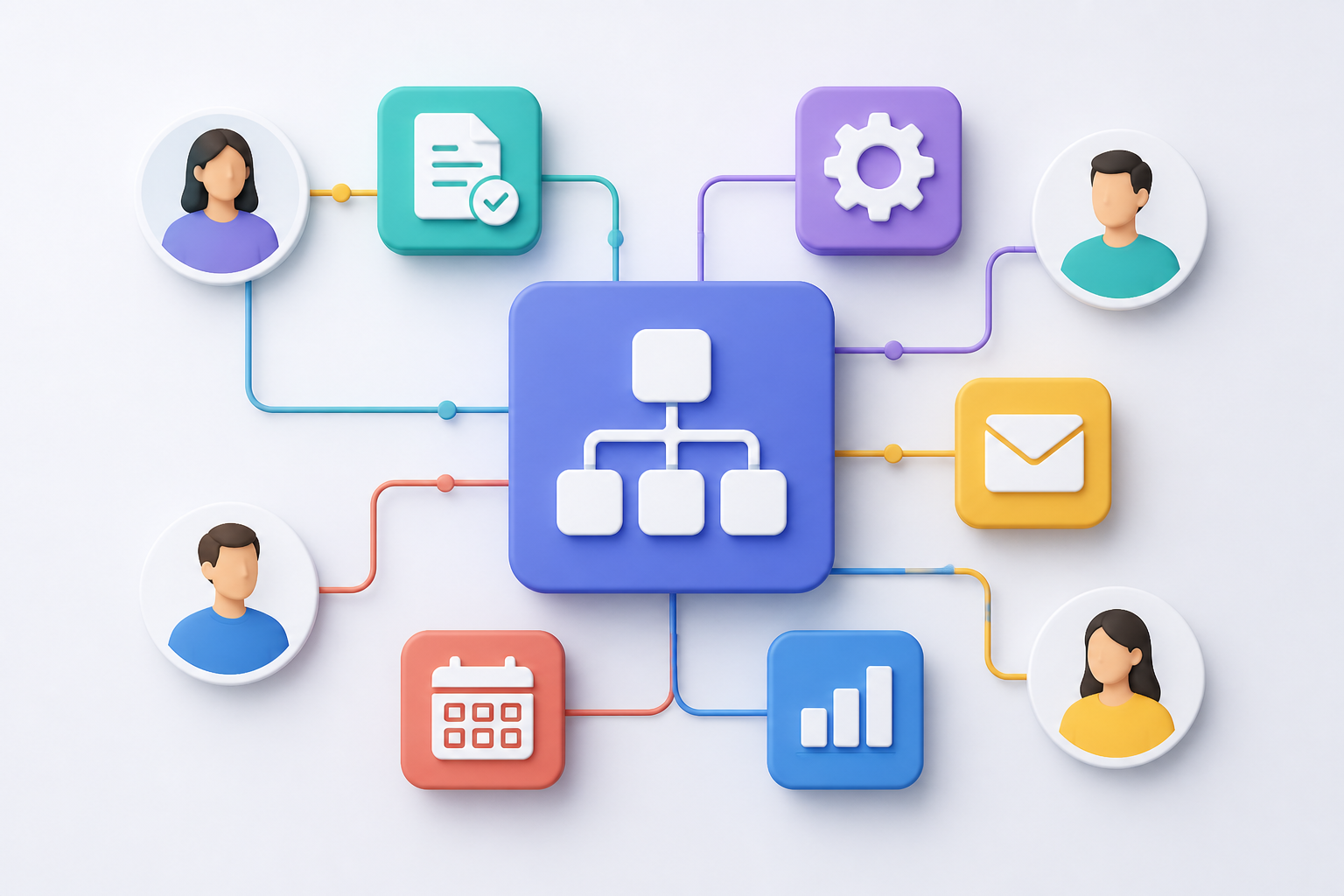
    The most effective automated workflow templates rely on clearly defined triggers and conditional logic. A robust template map outlines exactly who is responsible for what, establishes automated reminders, and updates project dashboards in real-time. This level of transparency keeps stakeholders informed without cluttering their inboxes with status update requests.

    Unifying Your Tech Stack Seamlessly

    Modern collaboration requires tools that talk to each other. Advanced templates integrate your CRM, project management software, and communication channels. When a deal closes in your CRM, the template initiates onboarding tasks in your project tool and pings the customer success team on Slack, keeping the post-sale transition completely frictionless.

    Conclusion: Scale Your Operations with Confidence

    Transitioning to automated task management isn’t just about saving time; it’s about building a scalable foundation for business growth. By deploying collaborative automated workflow templates, you empower your teams to focus on high-value creative work while the system handles the repetitive coordination. Start small, optimize continuously, and watch your organizational efficiency soar.

  • Optimize Your Automated Workflow Templates for Scale

    Optimize Your Automated Workflow Templates for Scale

    As organizations grow, their processes inevitably become more complex. While implementing automated workflow templates is an excellent way to streamline initial operations, many teams fall into the trap of “set-it-and-forget-it.” Over time, unmonitored automations can lead to template decay—where outdated triggers and redundant steps actually slow down your team instead of speeding them up.

    The Hidden Cost of Template Overload

    When you first deploy automated workflow templates, they solve immediate bottlenecks. However, as your team structure changes and new software tools are adopted, these templates can become bloated. Redundant notifications, broken API integrations, and obsolete task assignments create digital noise, leading to what operations experts call “automation debt” that frustrates employees.

    How to Audit and Refine Your Templates

    To maintain peak efficiency, schedule a quarterly audit of your active templates. Start by mapping out the actual utility of each automated step and asking your team if the generated tasks are still relevant. Consolidating overlapping workflows and removing dead-end triggers will instantly clean up your task management system and restore clarity.

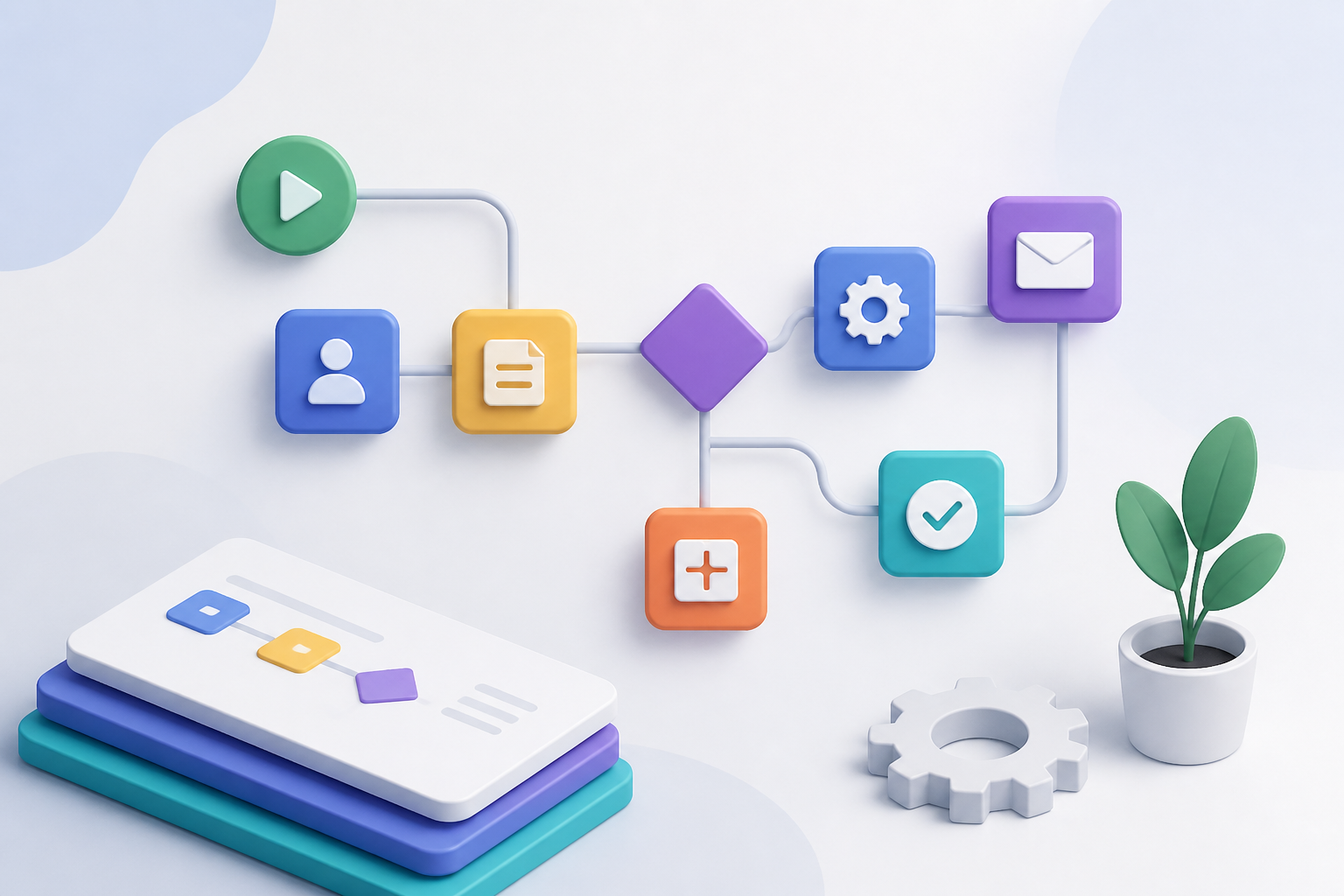
    Additionally, ensure your templates are flexible enough to accommodate cross-departmental shifts. The best automated workflow templates are modular, allowing you to swap out specific task blocks or integration nodes without rebuilding the entire sequence from scratch. This modular approach keeps your business agile and ready to scale.

    Achieving Long-Term Operational Efficiency

    Ultimately, automation is not a one-time project but a continuous cycle of refinement. By actively auditing your automated task management systems, you prevent operational drag and ensure your technology supports your people. Start simplifying your templates today to build a leaner, more responsive digital workspace.